-
Shop
- Advanced Technologies
- Aesthetic Design
- AI Interior Design
- AI Skills for Creators & Freelancers
- AI Client Management
- AI Ethics
- AI Mindset
- AI Tools & Prompts
- AI Writing & Content Creation
- Audio, Voice & Music
- Design & Visual Creation
- Email, Messaging & Communication
- Freelancing & Business
- Marketing, Ads & Conversion
- Productivity, Workflow & Automation
- SEO & Search Optimization
- Social Media Content & Growth
- Strategy, Planning & Analytics
- Video Creation & Editing
- Bathroom
- Beauty
- Best-Sellers
- Business & Digital Skills
- Car Accessories
- Dating & Social Skills
- Digital Resources
- Education & Learning
- Family & Home
- Family & Parenting
- Fashion
- Alexander McQueen
- Bags
- Bags & Wallets
- Balenciaga
- Belts
- Blazers
- Blouses & Shirts
- Bottega Veneta
- Brunello Cucinelli
- Burberry
- Chanel
- Chloé
- Dior
- Dolce & Gabbana
- Dresses
- Etro
- Fendi
- Gucci
- Hats & Hair Accessories
- Jacquemus
- Jewelry
- Jil Sander
- Kiton
- Luggage Bags
- Miu Miu
- Off-White
- Outerwear
- Prada
- Rick Owens
- Saint Laurent
- Scarves
- Shoes
- Socks & Tights
- Sunglasses
- The Row
- Tom Ford
- Valentino
- Valentino Garavani
- Versace
- Vivienne Westwood
- Watches
- Fashion & Beauty
- Furniture
- Gadgets
- Health & Beauty
- Health & Wellness
- Home & Garden
- Home Decor
- Home Electronics
- Kids & Babies
- Kitchen
- Lighting
- Luxury Interior Styling
- Nike
- Patio, Lawn & Garden
- Personal Growth
- Personal Growth & Wellness
- Personal Style & Fashion
- Pet Care
- Pet Supplies
- Pets
- Sport & Outdoors
- TikTok Growth & Monetization Mastery
- Travel
- Wealth
- Wealth Building
- Budgeting & Saving
- Cryptocurrency Investing
- Debt Management
- Entrepreneurship & Business Growth
- Family Finance & Budgeting
- Financial Independence
- Financial Mindset & Psychology
- Financial Planning
- Frugal Living & Expense Hacks
- Goal Setting
- High-Income Skills
- Investing Basics
- Leadership
- Motivation
- Networking & Mentorship
- Passive Income Strategies
- Real Estate Investing
- Side Hustles
- Stock Market Investing
- Wellness
Best Free Apps Like Summary AI (No-Cost Summarizers)
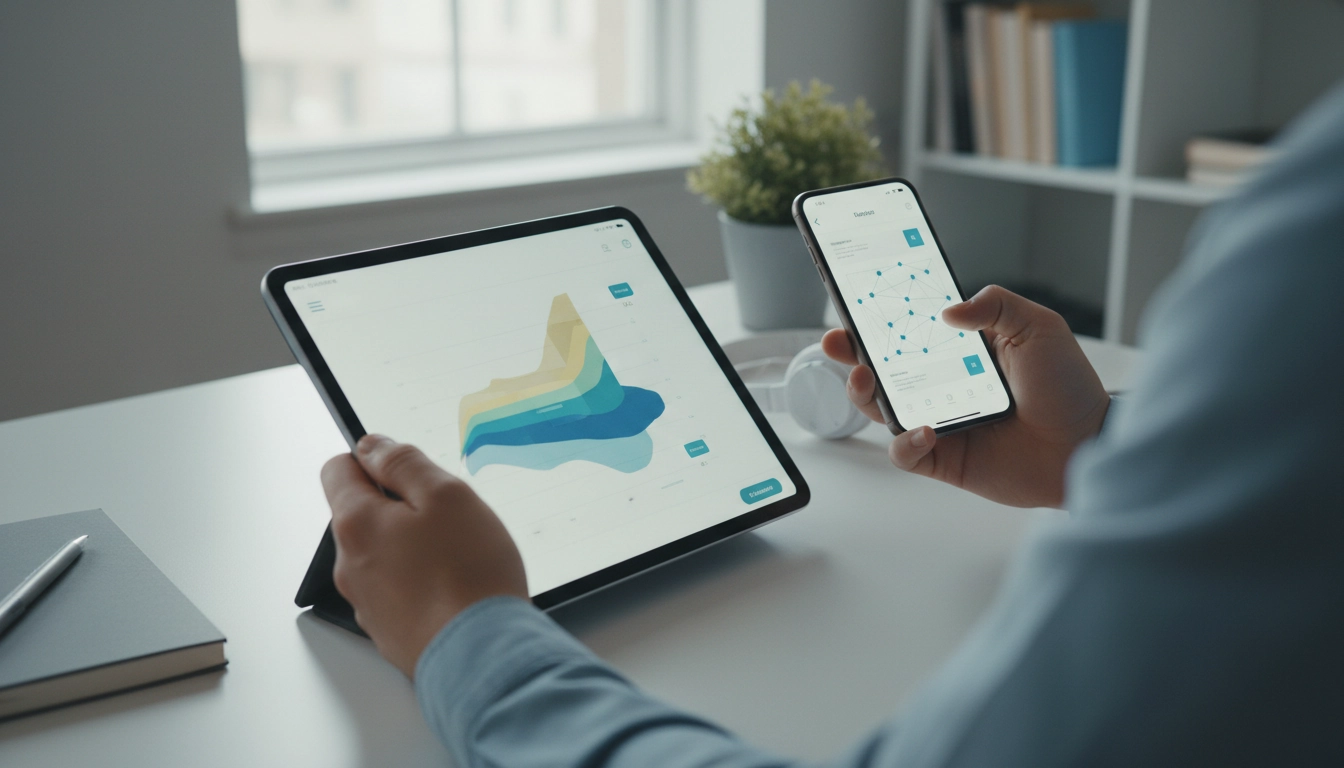
Is there a free app like Summary AI?
Yes. If you want the same “paste text, get a shorter version” experience without paying, there are several free options that can feel similar to Summary AI—especially for quick summaries of articles, notes, emails, PDFs (after copying text), and meeting transcripts. The best choice depends on whether you need a dedicated summarizer app, a general AI chat app with summarization, or a browser-based tool you can use on any device.
What free alternatives work best for summarizing?
For no-cost summarizing, start with general AI assistants that support summarization in their free tiers. They usually let you paste text and ask for a short summary, bullet points, or key takeaways. This route is flexible: you can request different lengths, a study outline, or action items from the same text.
If you prefer something closer to a “one-tap summarizer,” look for free summarizer websites or browser extensions. These can be fast for web pages and long articles, but quality varies and some have strict daily limits.
How to pick the right free app
Before downloading anything, check four details: (1) limits (daily summaries, character caps), (2) where it works (iOS/Android, browser, desktop), (3) input types (plain text only vs. links, PDFs, or images), and (4) privacy (whether your text is stored or used for training). If you’re summarizing sensitive content, a tool with clear data controls matters more than extra features.
Tips to get better summaries for free
Paste only the most relevant sections, then ask for a specific output: “Summarize in 5 bullets,” “Include names and numbers,” or “Give a 2-sentence executive summary plus next steps.” Small constraints usually improve accuracy and usefulness.
For a fuller breakdown of free tools, trade-offs, and what to look for, see the main guide: https://wispella.com/is-there-a-free-app-like-summary-ai/.
FAQ
Can I summarize a PDF for free without uploading it?
Often, yes—copy and paste the text from the PDF into a free summarizer. If the PDF is scanned, you may need OCR first to convert it into selectable text.
Recommended for you

Was this article helpful?
Yes
No









Leave a comment